Your next set, without the shoot.
Describe it, and StudioTwin generates photoreal images and video clips for your Fanvue in seconds. Keep the same look across a whole set, turn any still into motion, and find every result in your Vault - ready to post or sell as PPV.
- ✓Official Fanvue login
- ✓No API keys
- ✓15+ image & video models
 Poolside · 4:5
 Café · 4:5
 Yacht · 4:5
 Mirror · 4:5
 Autumn · 4:5
Models available: Nano Banana Pro, GPT Image 2.5, Seedream 5.0, FLUX.2, Qwen Image 2.0 Pro, Veo 3.1, Kling 3.0 Omni, Seedance 2.0, Wan 3.0, MiniMax H3.
Made in StudioTwin
No camera. No studio. No retouching.
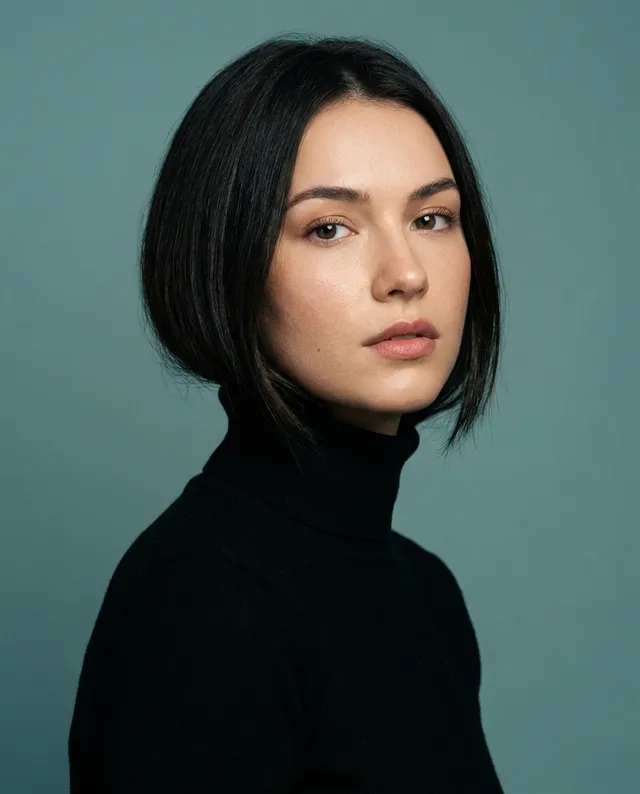
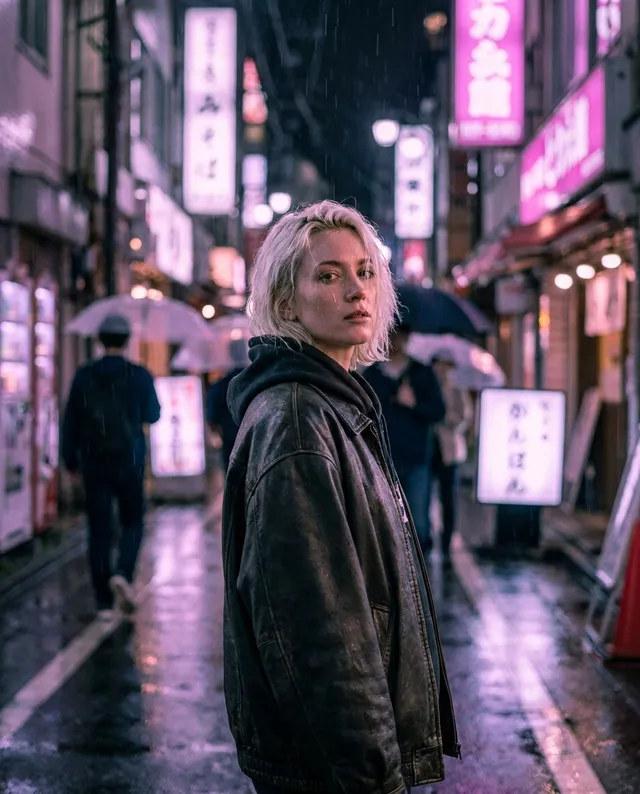
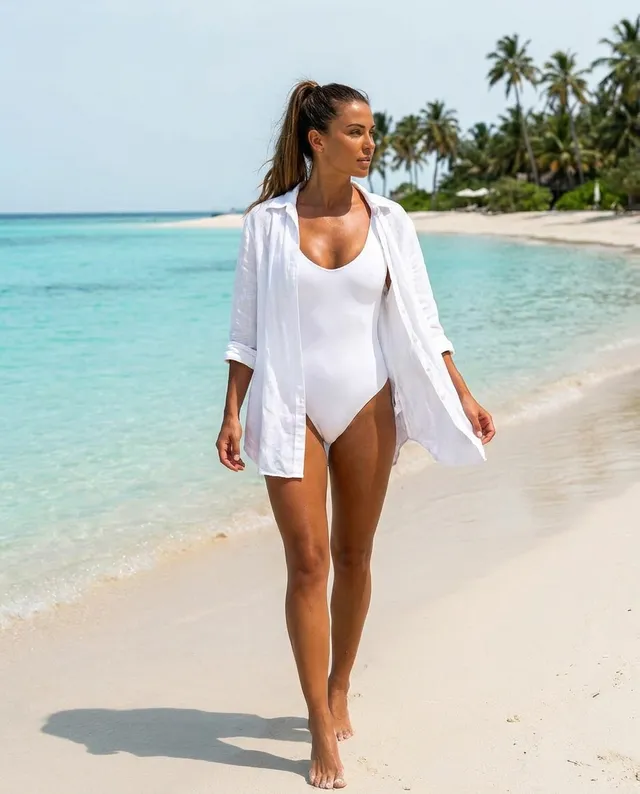
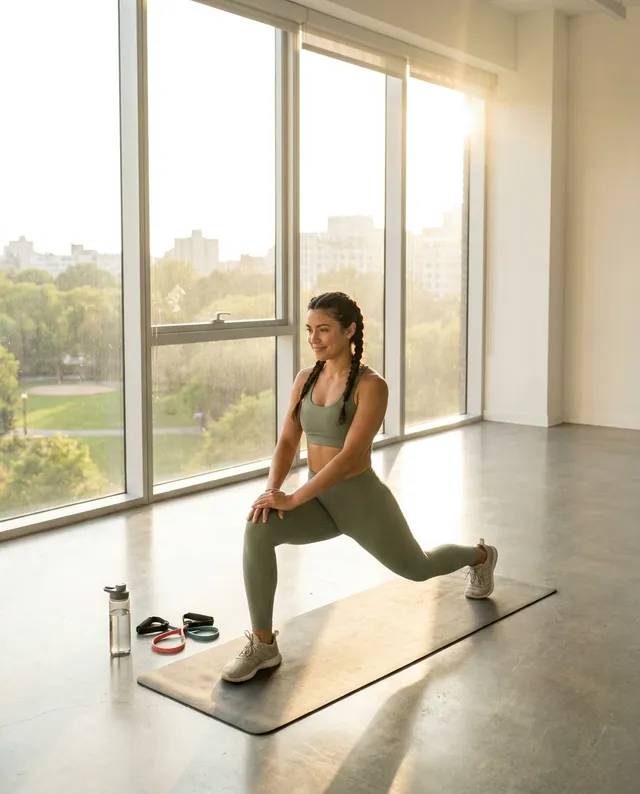
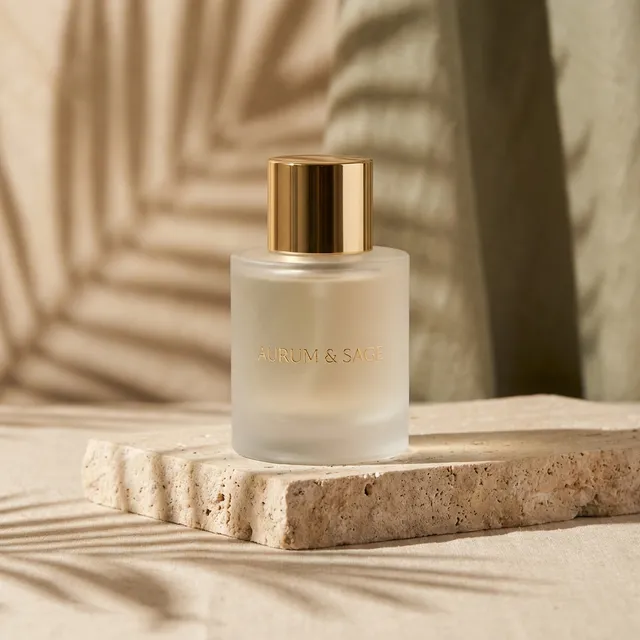
Every image below is straight output from one prompt in StudioTwin, unedited. None of these people exist.

How it works
From idea to post in under a minute.
- 01
Connect with Fanvue
One click with the official Fanvue login. We never see your password.
- 02
Describe the shot
Type what you want, pick a model and a format. Add a face reference to keep the same look.
- 03
Post it or sell it
Results land in your Vault in seconds. Use them in posts, PPV messages or bundles.
Features
A full photo studio, minus the studio.

AI Image Studio
Photoreal stills, product shots and inpainting across the best image models. Generate a batch of variations from one prompt and keep the winner.
Image to video
Bring any still to life with Veo, Kling, Seedance and more. Clips in 9:16 for teasers, 16:9 for trailers.
Same face, every set
Upload a face reference once and keep your character consistent across a whole shoot.
Everything in your Vault
Every generation is saved, tagged and searchable. Nothing gets lost in a downloads folder.
One credit balance
No API keys, no separate AI subscriptions, no surprise invoices. Credits reset every month.
The models
The world's best AI models. One subscription.
Signing up for Google, ByteDance, Kling and the rest separately costs a fortune and a pile of logins. StudioTwin puts the best of them in one studio, paid from one credit balance. Switch model on every generation.
Image models
Nano Banana Proby GoogleBest quality
The most realistic skin, light and faces. Our top pick for sets.
14credits / image
Seedream 5.0 Proby ByteDance
Ultra-sharp high-resolution detail, great for fashion and close-ups.
7credits / image
GPT Image 2.5 Sunburstby OpenAI
Top-ranked photoreal detail with precise prompt control.
7credits / image
Nano Banana 2by GoogleBest value
Fast and consistent. Keeps a face stable across a whole set.
7credits / image
Nano Banana 2 Liteby Google
Quick drafts for testing ideas before the final render.
3credits / image
Video models
Veo 3.1by GoogleBest quality
Cinematic, film-like motion. The most lifelike clips available.
15credits / sec
Kling 3.0 Omni Proby Kuaishou
The best human movement: walking, turning, hair and fabric.
15credits / sec
Seedance 2.0by ByteDanceBest value
Smooth, stable motion that stays true to your still.
8credits / sec
MiniMax H3by MiniMax
Energetic, dynamic shots for teasers and trailers.
8credits / sec
Wan 3.0by Alibaba
Budget clips up to 30 seconds, with sound.
4credits / sec
Plus 20+ more models, including uncensored image and video models for 18+ creators who opt in.
Credits, not surprises.
Pick a monthly tier, billed through Fanvue. Credits reset each billing period, cancel any time. Most images cost about 5 credits, video starts at 4 credits per second.
Basic
500 credits / month
~100 images or ~125s of video
- AI Image + Video Studio
- Vault storage
- Resets monthly
Creator
1,000 credits / month
~200 images or ~250s of video
- AI Image + Video Studio
- Vault storage
- Resets monthly
Studio
1,500 credits / month
~300 images or ~375s of video
- AI Image + Video Studio
- Vault storage
- Resets monthly
Ultra
3,000 credits / month
~600 images or ~750s of video
- AI Image + Video Studio
- Vault storage
- Resets monthly
FAQ
Good questions.
What is StudioTwin?
StudioTwin is an AI image and video studio for Fanvue creators, listed on the official Fanvue App Store. You describe a shot, pick a model, and the photo or clip is saved straight to your Fanvue Vault, ready to post or sell. No camera, studio or editing software needed.
How much does StudioTwin cost?
StudioTwin is a monthly credit subscription billed through Fanvue: Basic $29 (500 credits), Creator $49 (1,000 credits), Studio $69 (1,500 credits), Ultra $129 (3,000 credits). All AI models are included, with no separate API keys or accounts.
Which AI models does StudioTwin use?
Images: Nano Banana Pro, Seedream 5.0 Pro, GPT Image 2.5 Sunburst, Nano Banana 2, Nano Banana 2 Lite. Video: Veo 3.1, Kling 3.0 Omni Pro, Seedance 2.0, MiniMax H3, Wan 3.0. Each model shows its credit cost before you generate.
Do you need my Fanvue password?
No. StudioTwin uses the official Fanvue login. You sign in through Fanvue's own secure flow, and we never see or store your password.
Do I need my own AI account or API key?
No. Every model is included in your monthly credits. There is nothing else to sign up for or pay separately.
What does a credit get me?
Most images cost about 5 credits (premium models cost more), and video starts at 4 credits per second. The cost is shown before you generate, so you always know what you are spending.
Can I keep the same face across a whole set?
Yes. Upload a face reference and the supported models keep your character consistent from image to image. You confirm you have the rights to the face before it is used.
Is adult content allowed?
Only if you choose it. Adult models are off by default, and an account has to confirm it is 18+ and opt in before they appear.
Do unused credits roll over?
No. Credits reset at the start of each billing period. You can change or cancel your plan any time through Fanvue.
Your fans want more content.
Make it tonight.
Sign in with Fanvue and generate your first set in minutes.
Start creating with Fanvue